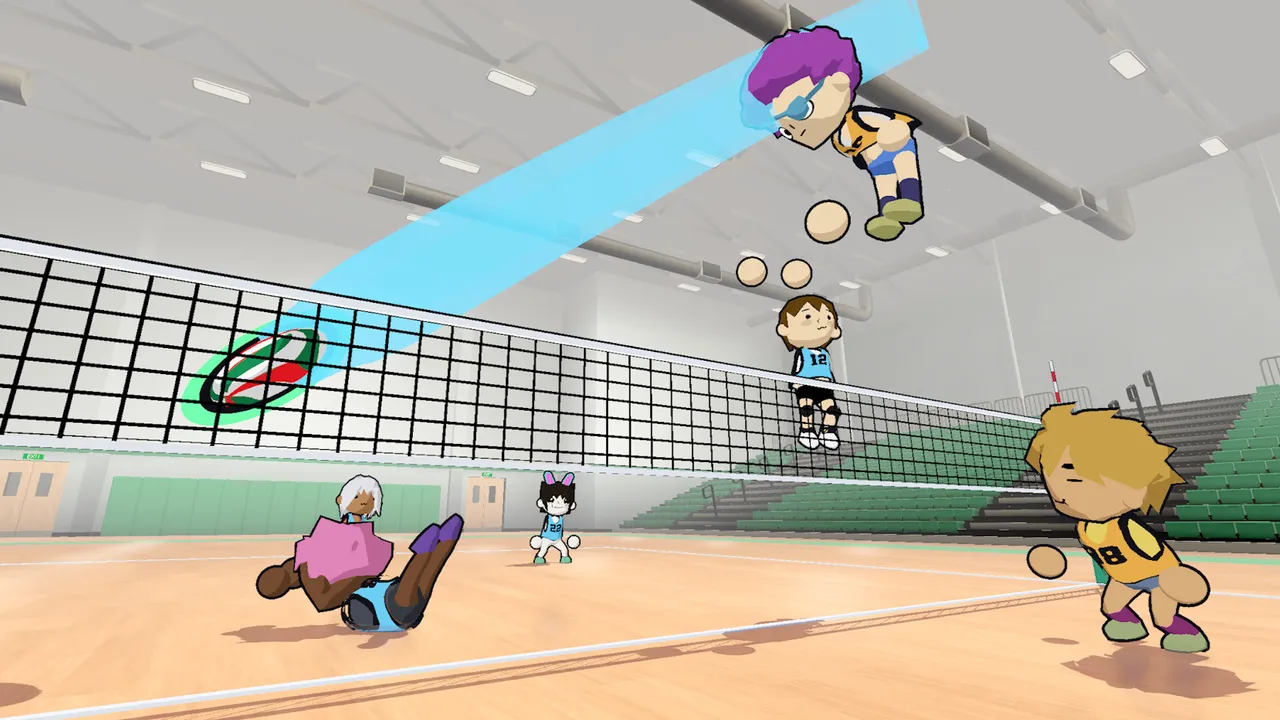
Each fix below is marked Official (from the developer) or Player report (from the Steam forums). Status is as of 24 November 2026, update v1.0.3. Back to the just volleyball guide.
Quick checklist before anything else
- Fully restart Steam. Exit it from the system tray, not just the window, then open it again. Official.
- Verify the game files. Steam → right-click just volleyball → Properties → Installed Files → Verify integrity of game files. Official.
- Update Windows. Several launch problems below were fixed this way. Player report.
- Check you are on the latest version. Update 1.0.1 is required to play online. Official.
Error 0x11C7: Smart App Control blocks volleyball.exe
What you see: the game will not open after updating to 1.0.1. On Windows 11, Windows Security's Smart App Control blocks volleyball.exe, and Event Viewer logs a CodeIntegrity event (ID 3077) saying the file does not meet the signing level.
What worked for players:
- Update Windows first. One player who did not want to turn anything off said updating Windows fixed it.
- Turning Smart App Control off also worked for another player. Do this only if you understand the trade-off: Smart App Control is a security feature that blocks untrusted apps. Microsoft says recent Windows updates let you turn it back on in the Windows Security app.
Status: player reports. No developer statement yet.
The game will not start on Windows 10 after an update
Two players on Windows 10, which has no Smart App Control, reported the same "cannot start after 1.0.1" problem. No confirmed fix has been posted. Try the quick checklist above.
Status: open.
"Steam is out of date" (code 3) or "No SteamUtils011"
A player reported that online play fails with Steam error code 3 and a "No SteamUtils011" message. The message points at the Steam client, so restart Steam fully and let it update. No confirmed fix has been posted.
Status: open, single report.
Crashes on the water map or freezing on the Cloud map
Players report crashes on a water map and freezes when a match starts on the Cloud map, plus random crashes and a crash right after the title screen. Update 1.0.1 fixed "various crashing issues", and on 22 November the developer said many remaining bugs will be fixed in a later patch rather than rushed.
Status: known, fix pending.
Lost save data, levels or chips
The developer wrote on 22 November that some players lost save data. He cannot restore presets, but he is working on restoring levels and chips through his backend. What to do now:
- Take screenshots of your profile, hours played and any clips.
- When his update is out, open a ticket in his Discord server and ping him with the screenshots.
Keep your own character codes saved somewhere outside the game.
Status: official, restore tool coming.
High ping or long queues
A player in Taiwan reported 200 ms+ ping. The developer says queue times depend on your region, the modes you select and the time of day, and that ticking more modes does not make you match faster. See how to play just volleyball for lobby tips.
Status: depends on region.
The controller does not work
Controller support was disabled to pass Steam review and re-enabled on 16 November. The developer says you may need to fully restart Steam. More on the just volleyball controls page.
Status: official fix.
Questions players ask
Why won't just volleyball launch?
After update 1.0.1 some players on Windows 11 found Smart App Control blocking volleyball.exe with error 0x11C7. Others on Windows 10 also could not start it. Try a full Steam restart and verify the files first, then update Windows.
How do I force a just volleyball update?
The developer says to restart Steam fully, exiting it from the system tray, or to verify the game files' integrity in Steam.
I lost my just volleyball save. Can it be restored?
Partly. On 22 November the developer said he is working on restoring lost levels and chips through his backend. Take screenshots of your profile, hours and clips now so you can open a ticket in his Discord server when that update arrives. Lost presets cannot be restored.
Is the developer fixing crashes?
Yes, but not all at once. Update 1.0.1 fixed various crashes, and on 22 November the developer said most remaining bug fixes will come in a later patch so that rushed fixes do not break other things.
Sources
- just volleyball update 1.0.1 (temkosoft, 20 Nov 2026) — ★★★
- Ranked, Additional Music, Bug fixes – Future Update Yapping (temkosoft, 22 Nov 2026) — ★★★
- Controller fixes (temkosoft, 16 Nov 2026) — ★★★
- "Cannot start after updating to ver 1.01" (Steam discussion) — ★ player reports
- What is Smart App Control? (Microsoft Support) — Microsoft
- just volleyball Steam discussions — player reports, status as of 24 Nov 2026
- just volleyball on Steam (store page) — ★★★ features, requirements, price
★★★ developer or Steam store · ★★ two or more community sources agree · ★ one source, may change